Sheru documentation
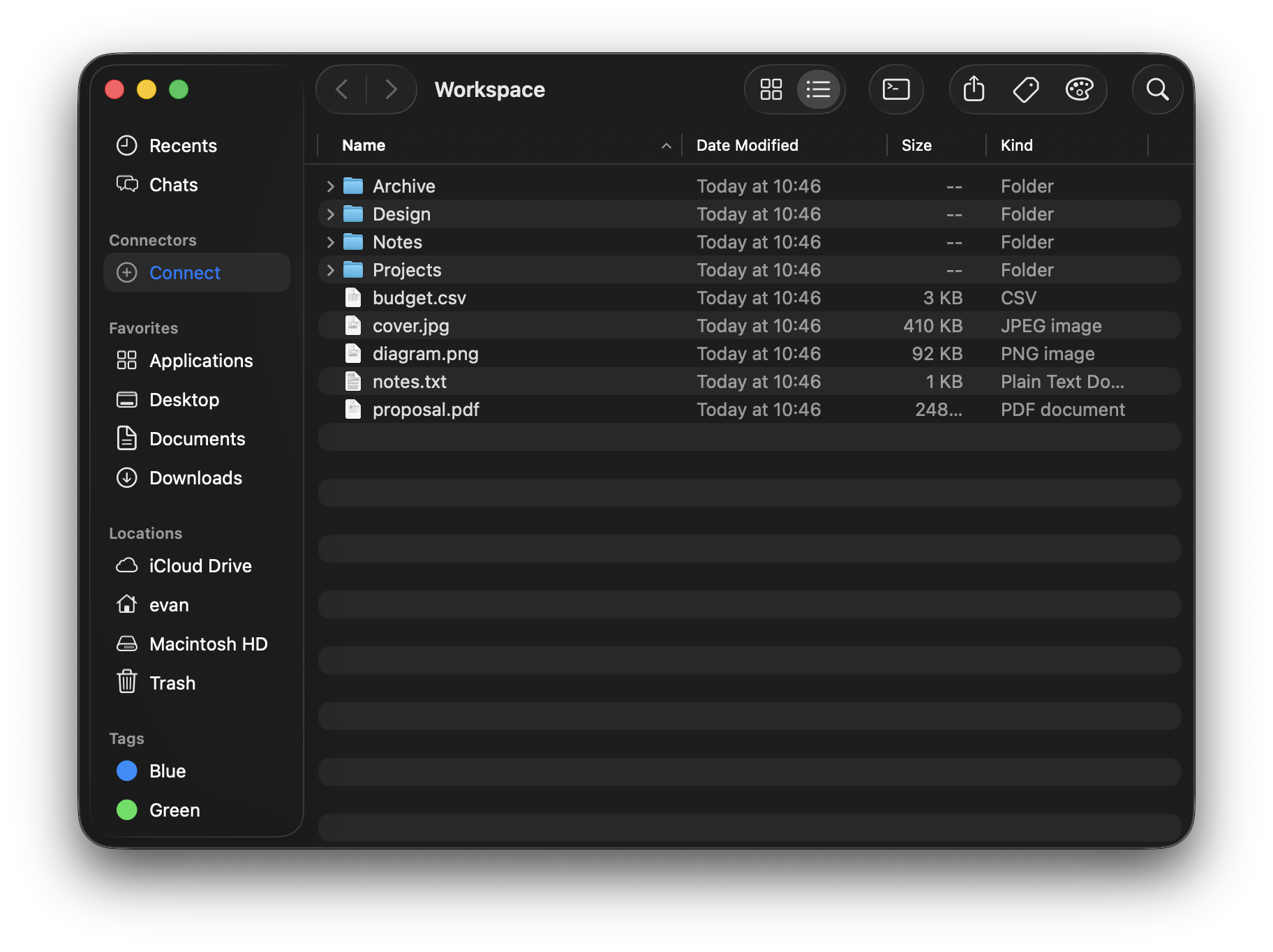
Sheru (シェル, Japanese for shell) turns your Mac into one browsable surface. It carries the oldest idea in Unix all the way: everything is a file. Your local machine, remote machines, and online services stop being separate worlds and come together in a single context, side by side and worked the same way. And it stays malleable to the core, an interface you reshape, extend, and build on, a foundation for software that bends to fit you.
Sheru runs in two modes. Native mode is built entirely from native macOS controls, so it stays fast and fluid. Web mode renders the same app as a web view, so the whole look is open to change: the OS‑retro themes (Aqua, Windows 98/XP/7, XFCE) are just the built‑in presets, with a theme marketplace and fully custom themes beyond them. Both modes ship with the app, free. Sheru requires macOS 26 (Tahoe) or later.
Start here#
Extend Sheru#
Sheru has two independent, separately‑distributed extensibility axes: Extensions add function (data sources, commands), Themes add presentation. They are fully decoupled — any theme renders any set of installed extensions.